Professional Enclosure Manufacturer | Custom Solutions
Desktop enclosures are an essential part of many electronic products, providing a practical, protective, and professional housing for electronic components, control systems, testing equipment, PCB assemblies, displays, and other tabletop devices.
Choosing the right enclosure is about much more than simply finding a box that fits your electronics. The enclosure can affect component protection, accessibility, heat management, installation, user interaction, and even the final appearance of your product.
At Bahar Enclosure, we manufacture a wide range of electronic housings for industrial, commercial, laboratory, automation, and OEM applications. Our Desktop Enclosures collection includes different sizes, shapes, mounting configurations, and designs for a variety of electronic projects.
In this complete guide, we explain what desktop enclosures are, where they are commonly used, the materials and designs available, and the most important factors to consider when selecting an enclosure for your electronic equipment.
A desktop enclosure is a housing designed to contain and protect electronic components while allowing the finished device to sit conveniently on a desk, table, laboratory bench, workstation, or other flat surface.
They are also frequently referred to as instrument enclosures, desktop instrument cases, electronic enclosures, electronics housings, control enclosures, or desktop project boxes, depending on their design and intended application.
Unlike a basic storage box, a properly designed electronic enclosure must consider the requirements of the components installed inside it. These may include PCB dimensions, displays, switches, connectors, cables, ventilation, mounting points, power supplies, sensors, and user controls.
Desktop enclosures can therefore be found in everything from simple electronic projects to sophisticated industrial control and measurement equipment.
Desktop electronic enclosures can be used in a very broad range of applications.
Typical applications include:
The exact enclosure required depends heavily on the application.
A small embedded controller, for example, may only require a compact ABS housing. A control system with a display and several push buttons may benefit from a larger sloped desktop enclosure that provides a better viewing and operating angle.
For this reason, Bahar offers several different desktop enclosure families rather than relying on a single enclosure design.
Electronic components can be vulnerable to impact, contamination, accidental contact, movement, and other external factors.
A suitable electronic enclosure creates a physical barrier between sensitive components and the surrounding environment while also keeping the components organized inside a finished device.
This is particularly important for exposed PCBs. A circuit board operating without a housing may be susceptible to accidental contact, mechanical damage, conductive objects, dust, and handling.
Placing the electronics inside an appropriate enclosure can provide a much more controlled and professional installation.
An enclosure also significantly affects the appearance of the finished product. Even a well-designed electronic circuit can look unfinished when its PCB, cables, and connectors remain exposed.
For commercial products, industrial equipment, laboratory instruments, and prototypes presented to customers, a professional enclosure can make the entire device look more complete and production-ready.
ABS is one of the most commonly used materials for electronic housings.
It is popular because it offers a useful combination of relatively low weight, durability, electrical insulation, ease of machining, and good surface appearance.
An ABS desktop enclosure can be suitable for applications such as controllers, electronic instruments, communication equipment, monitoring devices, embedded electronics, and prototypes.
Plastic housings are also convenient when openings need to be added for displays, connectors, switches, LEDs, buttons, USB ports, or other components.
Bahar’s BMD 600 Series Desktop Enclosures include numerous compact enclosure configurations intended for professional and industrial electronic applications.
The series includes multiple sizes and designs, making it easier to select a housing close to the dimensions of the PCB and other internal components instead of using an unnecessarily large enclosure.
The terms desktop enclosure and instrument enclosure are often used interchangeably, but they can emphasize slightly different aspects of the product.
A desktop enclosure mainly describes how and where the housing is used: it is designed to operate on a desk or other flat surface.
An instrument enclosure generally emphasizes the type of equipment installed inside it, such as measuring instruments, controllers, laboratory electronics, monitoring systems, or test equipment.
In many applications, the same housing can therefore be described as both a desktop enclosure and a desktop instrument enclosure.
For example, a compact enclosure containing a PCB, display, buttons, and measurement electronics could accurately be described using either term.
Using both concepts is useful when selecting a housing because the mechanical requirements of an instrument may include much more than its outside dimensions.
One of the most important design choices is whether the enclosure should have a conventional flat profile or a sloped operating surface.
Standard rectangular desktop enclosures work well for electronics that do not require frequent interaction with the user.
They can be suitable for:
Their relatively simple geometry can also make component placement and customization straightforward.
A sloped enclosure provides an angled surface facing the user.
This can be particularly useful when the front or upper panel contains:
The angled surface can improve visibility and accessibility when the equipment is placed on a desk or workstation.
Bahar’s BDC 300 Series Desktop Enclosures provide different shapes and sizes for professional tabletop electronic applications.
For larger control and instrument applications, the BDC 30018 and BDC 30019 Series uses a sloped ergonomic top and offers internal mounting options for professional tabletop electronics.
Selecting the right enclosure size is one of the most important stages of an electronic project.
It is usually a mistake to choose a housing based only on the outside dimensions of the PCB.
You should also consider:
There should be sufficient space to assemble the device without unnecessarily increasing the overall dimensions.
For compact electronics, Bahar’s BMD 60001–60003 Desktop Enclosures provide several small housing sizes for professional desktop and light industrial electronics.
For projects requiring more internal space, larger models and other desktop enclosure families are available.
Before selecting an enclosure, engineers should consider exactly how the PCB and other components will be installed.
Important questions include:
Planning these details early can prevent expensive redesign work later.
It is also useful to download the technical drawings or 3D files of the enclosure before finalizing the PCB layout.
This allows designers to compare the enclosure geometry with the electronic assembly and determine where modifications may be required.
Electronic components generate heat, and excessive temperature can affect reliability and service life.
However, not every desktop enclosure requires ventilation.
The correct solution depends on factors such as:
For low-power electronics, the enclosure body may provide sufficient passive heat dissipation.
Higher-power devices may require ventilation slots, fans, heat sinks, or other thermal management methods.
It is important to consider heat management during the design stage rather than after all components have already been installed.
Ventilation must also be balanced against environmental protection. Adding openings can affect the enclosure’s resistance to dust or water, so the requirements of the final application should always be considered.
An IP rating describes a defined level of protection provided by an enclosure against the ingress of solid objects and water.
However, not every desktop enclosure has the same IP rating.
Protection depends on the specific enclosure design, joints, openings, seals, modifications, and other construction details.
For this reason, buyers should check the specification of the individual enclosure rather than assuming that all desktop housings provide the same environmental protection.
This is particularly important when an enclosure will be used in an industrial environment where dust, moisture, or other contaminants may be present.
If your project requires stronger environmental protection, you may also want to explore Bahar’s Waterproof Enclosures and compare them with standard desktop housings.
Desktop control equipment often requires direct interaction between the operator and the electronic system.
A typical control enclosure may contain:
For these applications, enclosure ergonomics become especially important.
The user should be able to see the display and operate controls comfortably without needing to reposition the entire device.
Sloped housings can be particularly effective for these systems because they provide a natural interface angle.
The BDC 30005–30008 Series includes sloped desktop designs intended for professional tabletop electronic applications.
The growth of IoT equipment has created new requirements for compact electronic housings.
Smart devices may contain sensors, wireless modules, PCBs, antennas, communication interfaces, displays, and power electronics within a relatively small space.
A suitable enclosure should protect these components without making the final device unnecessarily bulky.
Some designs also need flexible mounting possibilities.
For example, the BMD 60038–60040 Series supports desktop and wall installation configurations, providing additional flexibility for electronic systems.
This can be useful during product development when the same electronic platform may eventually be installed in several different environments.
Not every electronic product remains on a desktop throughout its life.
An OEM may want the same electronic system to be offered in desktop, wall-mounted, or other installation configurations.
Using an enclosure family with several mounting options can simplify product development because engineers may be able to use a similar housing platform across several versions of the finished product.
The BMD 600 Series includes multi-mount options across parts of the range, including configurations designed for desktop, wall, and DIN-rail installation.
This flexibility can be particularly useful for industrial electronics, automation systems, smart devices, and OEM products.
A standard enclosure often provides the starting point for a project, but the final electronic product may require additional modifications.
Common customization requirements include:
Instead of designing a completely new enclosure from the beginning, using an existing housing and customizing it can often provide a practical route from prototype to production.
Bahar provides Electronic Enclosure Customization services including machining, color changes, printing and engraving, material options, and custom mould development. Customers can also provide technical drawings or use available 3D files to indicate the required modifications.
Electronic devices often require accurately positioned openings.
Examples include cut-outs for:
Accurate machining is particularly important when the enclosure must align with components mounted directly to a PCB.
Before production, dimensions should therefore be checked against the technical drawing and electronic assembly.
Using a standard enclosure combined with CNC machining can be especially useful for prototypes and OEM projects because it allows the housing to be adapted to the electronics without immediately developing a completely new mould.
The outside of an enclosure is also part of the product’s user interface.
Labels can identify connectors, switches, operating modes, warning information, model numbers, and company branding.
Professional printing or engraving can make the final device easier to use while creating a more finished appearance.
Depending on project requirements, customized enclosures may include logos, symbols, text, graphics, operating instructions, or other markings.
Bahar’s customization capabilities include UV printing, screen printing and laser-based marking options for suitable enclosure projects.
Selecting an enclosure early in the product-development process can simplify the transition from prototype to production.
A typical workflow may include:
This approach allows mechanical and electronic design decisions to be checked before committing to volume production.
For OEM projects requiring modifications, our Customization Service provides additional options for adapting standard electronic enclosures to specific project requirements.
Before purchasing a desktop enclosure, consider the complete electronic system rather than only its PCB.
A useful selection checklist includes:
1. Internal dimensions
Make sure there is sufficient space for the PCB, connectors, cables, power components, and mounting hardware.
2. External dimensions
Consider how much space the finished device can occupy on the user’s desk or equipment surface.
3. Material
Select a material appropriate for the mechanical, electrical, thermal, and environmental requirements.
4. User interface
Determine whether displays, buttons, switches, or touchscreens require a flat or sloped operating surface.
5. Ventilation
Evaluate how much heat the electronics will generate.
6. Environmental protection
Determine whether the device needs additional resistance to dust or water.
7. Mounting method
Decide whether the product will only be used on a desktop or may also require wall, rail, or other installation options.
8. Customization
Identify all required holes, cut-outs, printing, engraving, and other modifications before production.
9. Future production
If the prototype may eventually enter mass production, consider whether the selected enclosure and customization method can scale with the project.
Bahar Enclosure provides multiple enclosure families for different electronic applications.
The main Desktop Enclosure Collection includes the BDH 200, BDC 300 and BMD 600 series.
The BDC 300 Series includes a variety of desktop housings, including models suitable for control interfaces and sloped operating surfaces.
The BMD 600 Series provides a broad selection of compact and multi-mount electronic housings in different sizes and configurations.
For example, the BMD 60045–60054 Series offers rectangular and square forms with several sizes and mounting possibilities for professional and industrial electronics.
Having multiple enclosure families makes it easier to select a housing according to the PCB size, user-interface requirements, installation method, and overall product design.
A desktop enclosure is a protective housing designed for electronic equipment that operates on a desk, table, laboratory bench, or workstation. It can contain PCBs, displays, controls, connectors, power electronics, and other components.
An instrument enclosure is a housing used for electronic measurement, control, monitoring, laboratory, or testing equipment. Many instrument enclosures are designed for desktop use.
There is no single best material for every application. ABS plastic is commonly used because it is lightweight, electrically insulating, easy to customize, and suitable for many electronic devices. Metal housings may be preferred for applications with different mechanical, thermal, or shielding requirements.
Yes. Depending on the enclosure and project requirements, customization may include CNC machining, cut-outs, printing, engraving, color changes, material selection, and other modifications.
Yes. Desktop electronic enclosures are commonly used to house PCBs and embedded electronics. Before selecting a model, check the internal dimensions, mounting arrangement, component height, connectors, and cable requirements.
No. Desktop enclosures can have different levels of environmental protection. The specification of the individual model should always be checked. For applications specifically requiring water protection, consider a purpose-designed Waterproof Enclosure.
A sloped enclosure can be advantageous when the device includes displays, touchscreens, buttons, switches, or other controls because the angled surface can improve visibility and user access.
Start with the dimensions of your PCB and all other internal components, then allow additional room for connectors, wiring, mounting hardware, heat management, and assembly. Checking the enclosure drawing or 3D model before finalizing the electronic design is highly recommended.
The enclosure is an important part of an electronic product. The correct housing can protect internal components, improve usability, simplify assembly, support thermal management, and give the finished device a professional appearance.
Whether you are developing a compact PCB project, industrial controller, IoT device, laboratory instrument, monitoring system, or commercial electronic product, selecting the enclosure early in the design process can help avoid mechanical problems later.
Explore the complete Bahar Desktop Enclosures range to compare different designs and sizes.
For projects requiring holes, display openings, connector cut-outs, printing, engraving, color changes, or other modifications, visit our Enclosure Customization page to learn more about available options.
Bahar Enclosure supports electronic projects from standard enclosure selection and prototyping through customization and OEM production.
Why Enclosure Standards Matter in Electronic Design
Selecting a desktop enclosure for electronic equipment involves more than choosing the correct dimensions and appearance. Engineers and product designers should also consider the environment in which the finished electronic device will operate.
Factors such as dust, moisture, accidental contact, temperature, mechanical impact, and installation conditions can influence the type of enclosure required. This becomes particularly important for industrial electronics, measurement instruments, automation equipment, laboratory devices, and electronic control systems.
One internationally recognized method of describing enclosure protection is the IP (Ingress Protection) rating system. IP ratings classify the level of protection an enclosure provides against access to hazardous parts, solid foreign objects, and water under defined test conditions.
For authoritative technical information about IP protection classifications, you can refer to the International Electrotechnical Commission (IEC) and its IEC 60529 standard:
External DoFollow Link:
IEC – Degrees of Protection Provided by Enclosures (IEC 60529)
When choosing an enclosure, however, an IP rating should never be assumed simply because two products look similar. The construction of the enclosure, sealing method, joints, openings, ventilation features, and subsequent machining can all influence environmental protection.
For applications where water and dust protection are important, explore Bahar’s Waterproof Enclosures to compare purpose-designed protective housings for industrial and electronic applications.
Another important consideration is whether the electronics should be designed first or whether the enclosure should be selected first.
For many projects, choosing a suitable electronic enclosure early in the development process can reduce mechanical redesign later. Engineers can use the enclosure’s internal dimensions and technical drawings when determining PCB dimensions, connector positions, display locations, cable routing, and component heights.
This approach is especially useful when developing:
If the enclosure requires openings for a display, USB port, Ethernet connector, power input, switch, button, LED, fan, or other component, these modifications should ideally be defined before production.
Bahar also provides Enclosure Customization options for projects requiring machining, cut-outs, printing, engraving, color changes, or other modifications to standard electronic housings.
A desktop enclosure is not necessarily the best housing for every electronic device. The installation environment and the way users interact with the equipment should determine the enclosure style.
A desktop enclosure is particularly suitable when the equipment will normally operate on a desk, table, laboratory bench, control station, or workstation.
Portable electronics that need to be carried or operated in the user’s hand may be better suited to a Hand-Held Enclosure.
Equipment permanently installed on a vertical surface may instead require a Wall-Mount Enclosure.
Applications exposed to water, dust, outdoor conditions, or demanding industrial environments should be evaluated for an appropriate Waterproof Enclosure.
Choosing between these enclosure types according to the actual application can improve usability, installation, component protection, and the overall design of the finished electronic product.
Every electronic project has different requirements. PCB dimensions, displays, connectors, controls, internal component height, installation method, environmental conditions, and customization requirements can all affect enclosure selection.
Bahar Enclosure offers a broad range of Desktop Enclosures for electronic instruments, control equipment, PCB projects, IoT devices, testing systems, industrial electronics, and OEM applications.
Before selecting a model, compare the enclosure dimensions with your electronic components and review the available technical drawings whenever possible. If a standard enclosure is close to your requirements but needs additional openings, printing, engraving, or machining, customization may provide a more practical solution than developing an entirely new housing.
For OEM and customized electronic enclosure projects, you can also contact Bahar Enclosure with your project requirements and technical drawings.
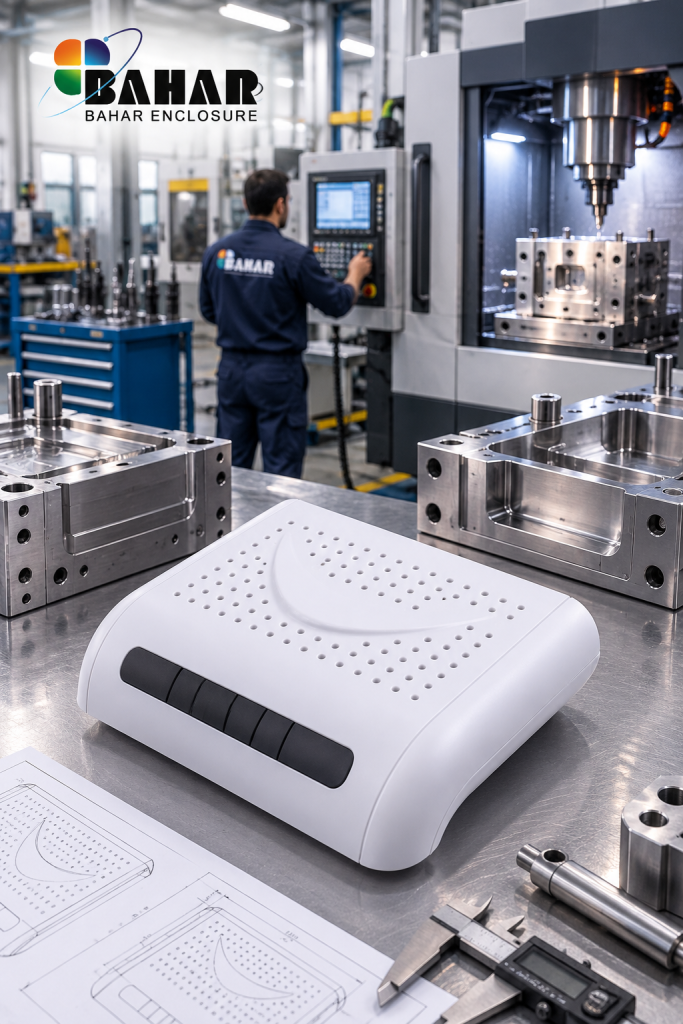
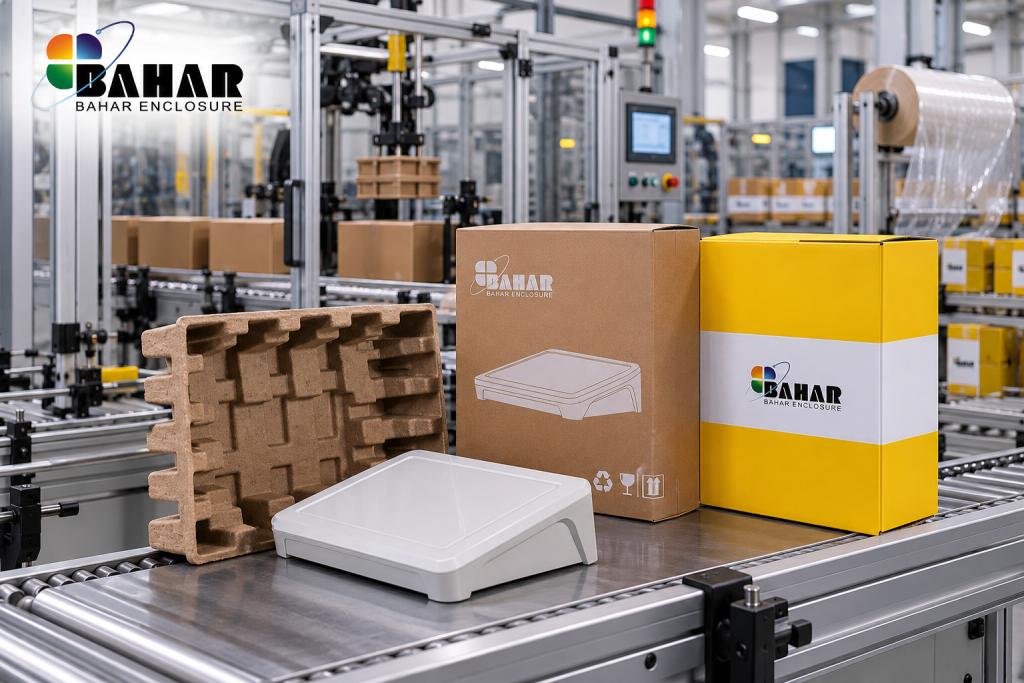
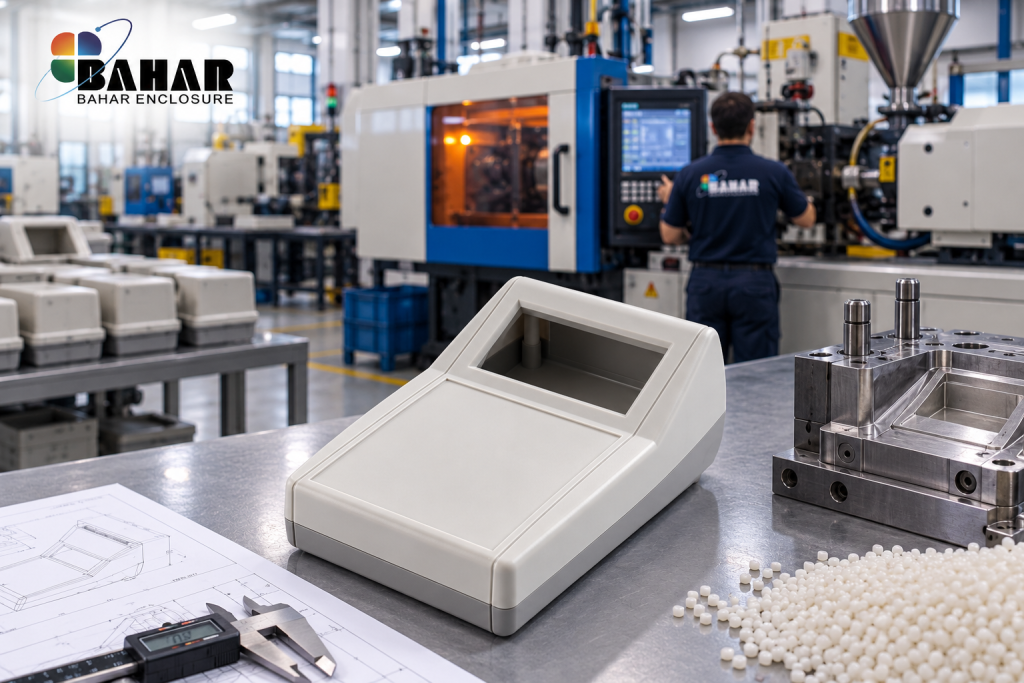
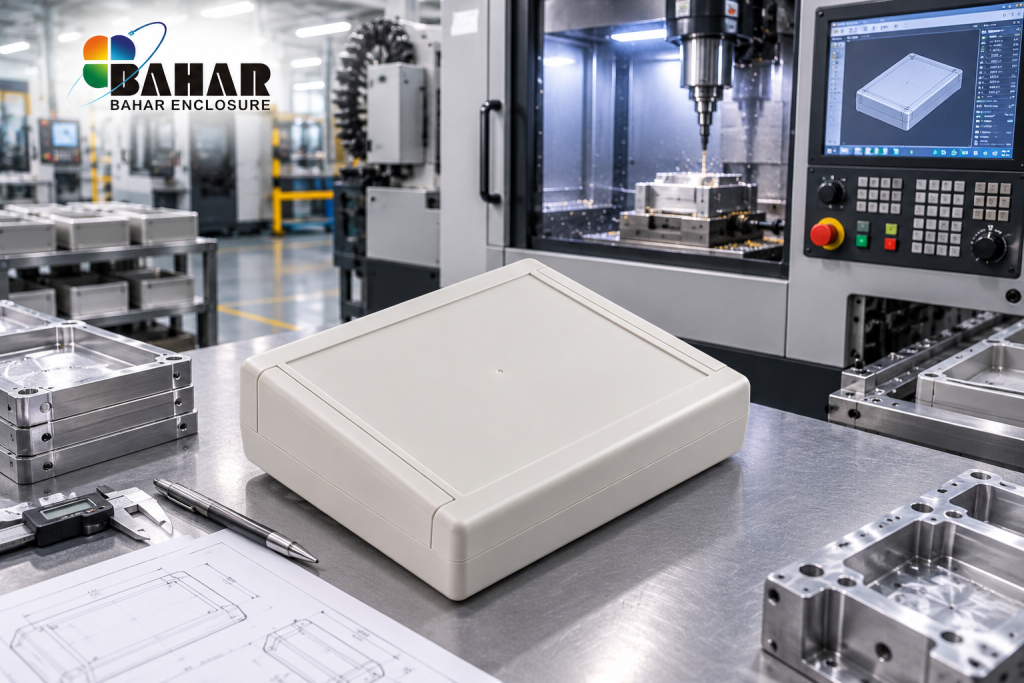
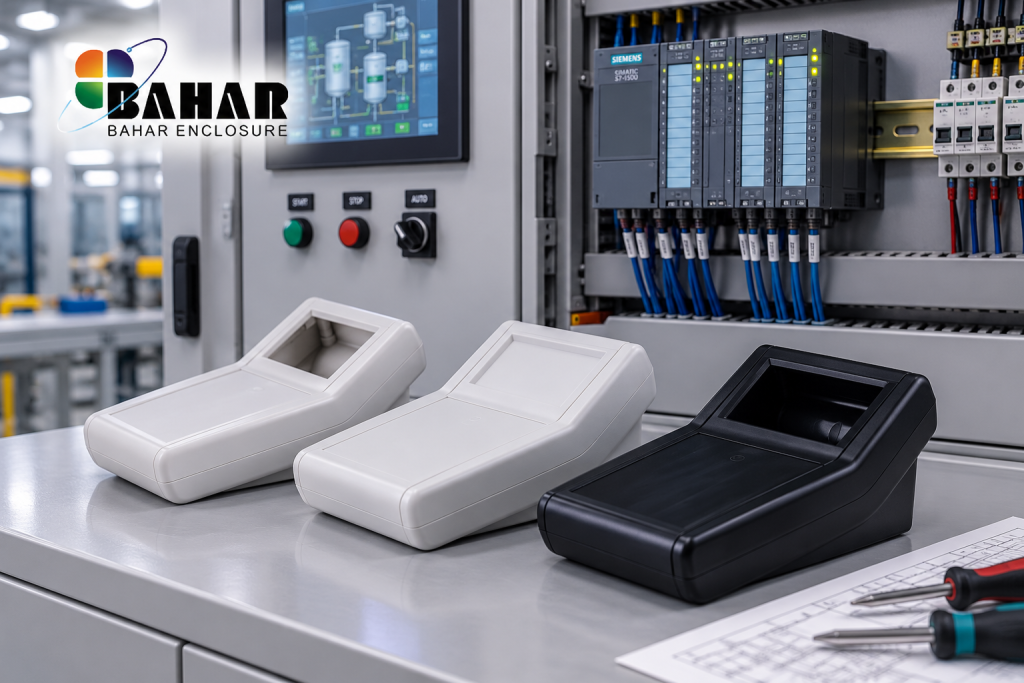
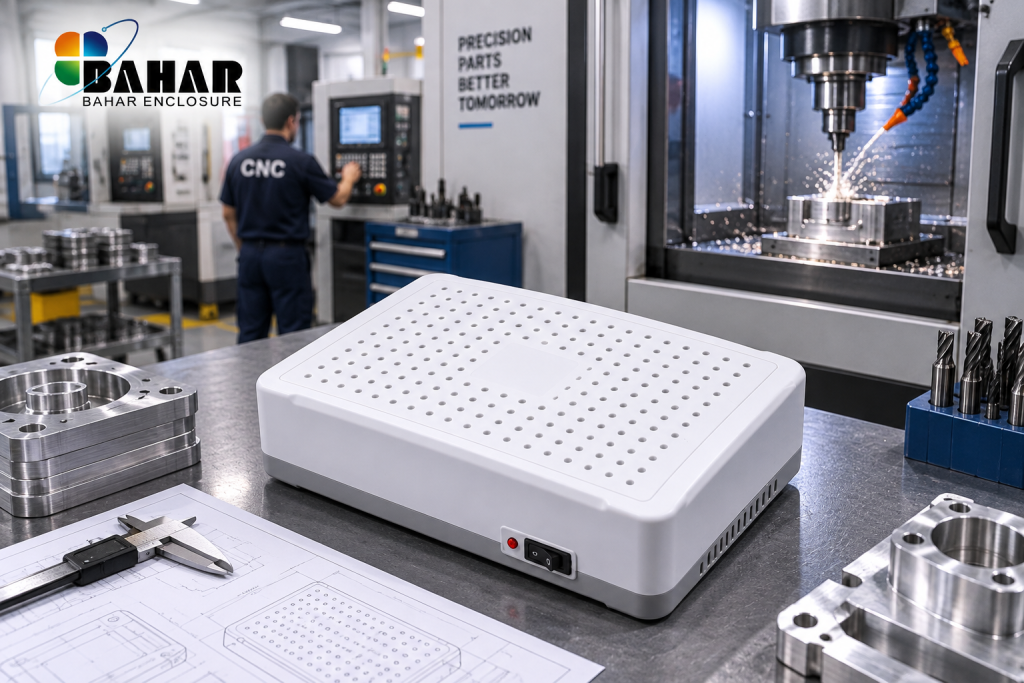
Desktop enclosures are widely used when electronic components need to be transformed from an exposed electronic assembly into a complete, practical, and professional device. A well-selected desktop enclosure can provide space for the PCB, power supply, connectors, displays, switches, wiring, sensors, communication modules, and other electronic components while creating a finished exterior suitable for professional use.
For engineers and OEM manufacturers, selecting desktop enclosures for electronic equipment early in the design process can also simplify mechanical development. Instead of designing the PCB first and searching for a housing afterward, designers can compare available enclosure dimensions with the electronic assembly before finalizing component placement.
This is particularly useful for prototypes that may later move into commercial production.
Typical products that can benefit from desktop enclosures include:
Because these applications have different mechanical requirements, there is no single desktop enclosure suitable for every project.
When comparing desktop enclosures, engineers should evaluate both the external appearance and internal mechanical structure.
The internal dimensions must provide sufficient room for electronic components, but additional space may also be required for wiring, connectors, mounting hardware, cable routing, and heat dissipation.
The position of the enclosure screws and internal mounting structures should also be considered because these features may affect PCB dimensions or component placement.
Another important consideration is the location of external connectors. USB, Ethernet, power, antenna, sensor, and communication connectors must remain accessible after the enclosure is assembled.
If the standard enclosure does not already contain the required openings, CNC machining can be used to create accurately positioned cut-outs according to the project drawing.
For this reason, a custom desktop enclosure does not always require the development of an entirely new mould. A suitable standard enclosure can often be selected first and then modified for the electronic application.
The appearance of an electronic product can be nearly as important as its internal electronics, particularly when the device will be sold commercially or presented to customers.
Professional desktop enclosures hide exposed circuit boards, wiring, connectors, and internal components while providing a clean external structure.
The enclosure can then become part of the product’s identity through:
This can transform a prototype electronic assembly into a much more professional-looking finished product.
For OEM projects, Bahar’s Enclosure Customization services can be used to adapt standard enclosures according to the mechanical and visual requirements of the finished electronic product.
Although the term desktop enclosure may suggest office equipment, these housings can also be used for many industrial electronic applications.
Industrial desktop electronics may include programming units, machine controllers, monitoring terminals, testing equipment, operator interfaces, calibration equipment, communication systems, and diagnostic instruments.
In these applications, enclosure selection should consider more than appearance.
Engineers may need to evaluate:
For applications involving environmental exposure, designers should check the actual protection rating of the selected enclosure rather than assuming that all electronic enclosures provide the same protection.
For projects intended for the North American market, engineers may also encounter NEMA enclosure types.
NEMA classifications describe different enclosure types and the environmental conditions against which they are intended to provide protection. These classifications should not simply be treated as alternative names for IP ratings because the systems are based on different requirements.
Engineers and product designers who want to understand these classifications can refer directly to the National Electrical Manufacturers Association (NEMA):
External DoFollow Link:
NEMA – Enclosure Types
NEMA’s own enclosure guidance also provides comparisons with IEC enclosure classifications.
For a desktop enclosure used in a controlled indoor environment, the requirements may be very different from those of an enclosure installed outdoors or in a demanding industrial environment. The intended operating environment should therefore be established before selecting the enclosure.
For certain commercial and industrial products, enclosure performance may also need to be verified according to applicable standards or certification requirements.
UL Solutions provides testing and certification services covering electrical enclosures, including Type ratings, IP ratings and IK ratings.
Designers interested in understanding enclosure testing and certification requirements can refer to:
External DoFollow Link:
UL Solutions – Electrical Enclosure Testing and Certification
This is particularly relevant when developing electronic products for markets where specific safety, environmental, or compliance requirements apply.
It is important to remember that modifying an enclosure can also affect its original protection characteristics. Adding holes, connectors, ventilation openings, displays, switches, or other components may change the performance of the complete assembly.
Therefore, when an IP, Type, or other certified rating is required for the finished product, the complete design should be evaluated according to the applicable requirements.
ABS desktop enclosures are particularly useful for PCB-based electronic projects because they combine relatively low weight with electrical insulation and good customization possibilities.
A typical PCB desktop enclosure may contain the main circuit board together with:
Before choosing an ABS desktop enclosure, compare the internal dimensions with the complete assembly rather than the PCB alone.
A PCB that technically fits inside the enclosure may still cause installation problems if tall components, connectors, or wiring interfere with the enclosure lid.
For compact PCB projects, explore the BMD 600 Series Desktop Enclosures to compare different sizes and configurations.
Electronic devices containing displays or operator controls have additional ergonomic requirements.
The position and viewing angle of a screen can significantly affect usability. The same applies to buttons, rotary controls, switches, keypads, and touch interfaces.
For this reason, sloped desktop enclosures can be particularly suitable for devices that require frequent interaction with an operator.
Instead of positioning the control surface completely horizontally, the sloped design presents it toward the user.
Potential applications include:
The BDC 300 Series Desktop Enclosures include enclosure designs suitable for these types of electronic applications.
For an OEM manufacturer, enclosure selection can influence the entire product-development process.
A suitable desktop enclosure for electronics can reduce the amount of mechanical development required for a new product because an existing housing provides the basic external structure.
The manufacturer can then concentrate on adapting the enclosure to the electronic design through machining, printing, engraving, component installation, and other modifications.
This approach may be suitable for:
Prototype stage: selecting an existing enclosure and checking the electronic assembly.
Engineering stage: preparing PCB placement, cut-outs, connectors, and mechanical drawings.
Sample stage: producing customized samples for evaluation.
Production stage: manufacturing the confirmed configuration in larger quantities.
This makes standard and customizable desktop enclosures useful not only for individual electronics projects but also for professional OEM product development.
Choosing the right desktop enclosure can make electronic product development easier from the prototype stage through final production.
The enclosure should provide enough space for internal electronics while supporting the required user interface, connectors, ventilation, mounting method, environmental protection, and external appearance.
Bahar Enclosure provides a broad selection of Desktop Enclosures for PCB projects, electronic instruments, control systems, laboratory equipment, industrial electronics, IoT devices, and OEM applications.
Different sizes and enclosure styles are available across the BDC, BMD, and other desktop enclosure families, allowing designers to compare multiple options before selecting a housing.
For projects requiring machining, printing, engraving, special openings, or other modifications, visit Bahar Enclosure Customization to review available customization capabilities.
Desktop Enclosures have become an important housing solution for modern electronic equipment because many devices require more than simple mechanical protection. Today’s electronic systems may combine PCBs, displays, communication modules, sensors, power supplies, connectors, switches, and user controls within a single compact device.
Choosing suitable Desktop Enclosures allows engineers to organize these components inside a professional housing while maintaining convenient access to the controls and connections required by the user.
For electronic manufacturers and OEM developers, the enclosure should therefore be considered an important part of the product design rather than simply an external box added after the electronics have been completed.
The right Desktop Enclosures can be used for applications ranging from compact PCB projects to sophisticated industrial instruments and electronic control equipment.
PCB-based devices are among the most common applications for Desktop Enclosures.
A typical electronic project may begin with a PCB prototype on an engineering bench. However, once the project moves toward customer testing, demonstration, certification, or commercial production, the electronic assembly normally requires a suitable enclosure.
Desktop Enclosures for PCB projects can provide space for the main circuit board as well as additional components such as:
When selecting Desktop Enclosures, designers should check the usable internal dimensions rather than relying only on external dimensions.
The height of PCB components is particularly important. Capacitors, transformers, heat sinks, connectors, and other tall components may require considerably more internal clearance than the PCB itself.
For compact electronic projects, the BMD 600 Series Desktop Enclosures provide a broad selection of housing sizes and configurations.
Desktop Enclosures are also widely suitable for electronic test and measurement equipment used in laboratories, workshops, production facilities, engineering departments, and industrial environments.
Typical applications can include:
In these applications, the enclosure may require a front or upper panel containing displays, switches, LEDs, connectors, adjustment controls, or other user-interface components.
A well-designed desktop instrument enclosure helps keep these controls accessible while protecting the electronics installed inside the housing.
Industrial electronics do not always need to be installed inside a large electrical cabinet. Some controllers, programming devices, monitoring units, diagnostic systems, and operator interfaces are designed specifically for tabletop operation.
For these applications, Desktop Enclosures can provide a compact alternative to larger industrial cabinets.
An industrial desktop electronic device might contain a touchscreen or LCD display, multiple push buttons, communication ports, indicator lights, a PCB assembly, power electronics, and external connections to other equipment.
The enclosure design should therefore consider both the internal electronics and the way an operator will interact with the finished device.
Sloped Desktop Enclosures can be particularly useful in these situations because an angled operating surface may improve the viewing position of displays and provide easier access to controls.
Explore the BDC 300 Series Desktop Enclosures for different desktop housing configurations designed for electronic equipment and control applications.
Modern electronic devices increasingly incorporate LCD displays, OLED screens, touchscreens, and other visual interfaces.
Installing a display into Desktop Enclosures requires careful mechanical planning.
Designers should consider:
The enclosure opening should be accurately machined so that the display fits correctly and maintains a professional appearance.
For OEM projects, Bahar can provide Enclosure Customization for applications requiring display openings, connector holes, machining, printing, engraving, and other modifications.
Thermal management should also be considered when selecting Desktop Enclosures.
Electronic components such as processors, power supplies, voltage regulators, transformers, and power transistors can generate heat during operation.
If heat remains trapped inside an enclosure, the internal temperature may increase and potentially affect component performance or reliability.
Depending on the electronic system, thermal management methods can include:
Ventilated Desktop Enclosures can be useful when natural airflow is required around heat-generating electronic components.
However, ventilation should not be added automatically. Openings may affect protection against dust and water, so the final operating environment must also be considered.
When higher environmental protection is required, a purpose-designed Waterproof Enclosure may be more appropriate than a ventilated desktop housing.
One major advantage of standard Desktop Enclosures is their usefulness during prototype development.
Developing a completely new injection mould for every prototype is often unnecessary. Engineers can first identify an existing enclosure with suitable dimensions and then customize it according to the prototype requirements.
For example, a standard desktop enclosure can potentially be modified with:
This approach allows engineers to test not only the electronics but also the mechanical arrangement and appearance of the finished device.
Once the prototype has been evaluated, the design can be refined before larger production quantities are manufactured.
Standard Desktop Enclosures provide a convenient starting point, but OEM products frequently require customization.
A manufacturer may have a PCB that fits a standard enclosure perfectly while still requiring specific modifications to the external housing.
Instead of designing an entirely new enclosure, customization can allow the standard housing to be adapted to the electronic product.
Bahar’s Electronic Enclosure Customization capabilities can support projects requiring machining, printing, engraving, color customization, material options, and other modifications.
For larger OEM projects where existing Desktop Enclosures cannot satisfy the mechanical requirements, custom enclosure development may also be considered.
The enclosure is one of the first parts of an electronic product that customers see and touch.
For this reason, Desktop Enclosures can influence the perceived quality of a finished commercial electronic device.
A clean enclosure design can hide internal PCBs and wiring while providing an organized surface for branding, displays, connectors, and controls.
This is especially important for products intended for:
An appropriate enclosure helps transform an electronic assembly into a finished product that is easier to install, operate, demonstrate, and manufacture.
Engineers should also consider future production requirements when selecting Desktop Enclosures during the prototype stage.
A housing that works for one prototype may not necessarily be the most practical choice for hundreds or thousands of finished devices.
Before confirming an enclosure, consider whether:
Thinking about these factors early can help make the transition from prototype to OEM production more efficient.
Bahar provides Desktop Enclosures for a wide variety of electronic projects, including PCB assemblies, control systems, testing instruments, IoT devices, laboratory electronics, communication equipment, embedded systems, and OEM products.
Our Desktop Enclosures Collection includes multiple enclosure families, sizes, and configurations designed to give electronic designers more options when matching a housing to their components.
Whether you need a compact desktop enclosure for electronics, a sloped enclosure for a control interface, a ventilated housing for electronic equipment, or a customized enclosure for an OEM product, selecting the correct enclosure can simplify both product development and final assembly.
If a standard model requires additional machining, openings, printing, engraving, or other modifications, visit our Customization page to learn more about adapting Bahar enclosures to your project.